Recharge Nol Card in 2026: Complete Guide to Top Up in Dubai
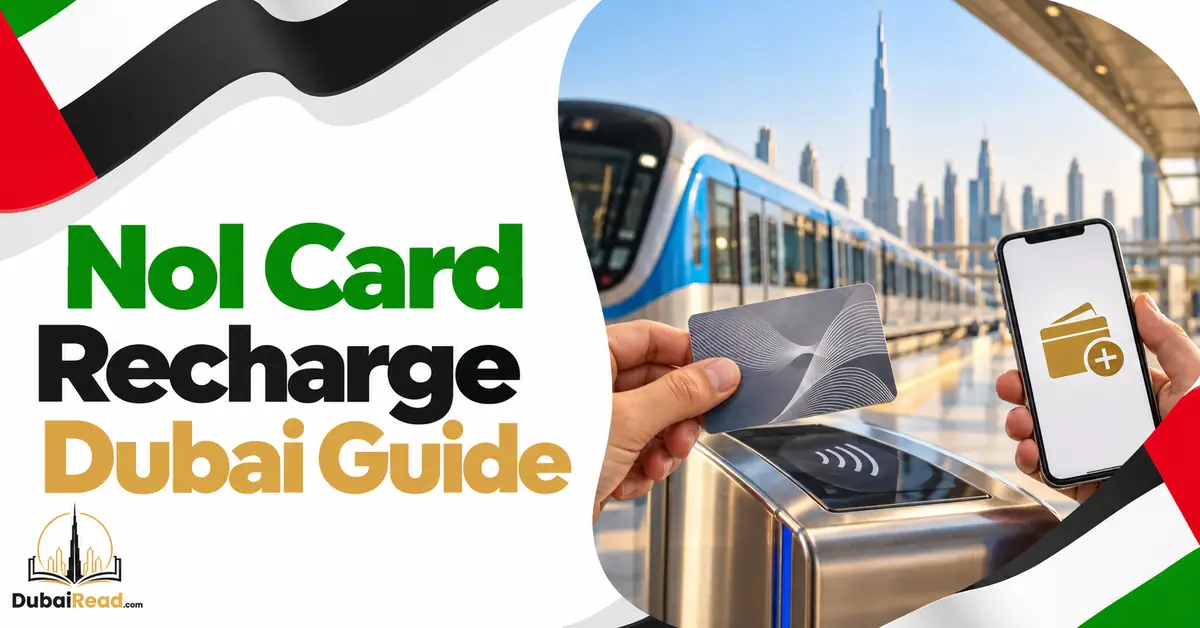
Quick answer: The fastest way to recharge a nol card is the nol Pay app on an NFC phone: pay, then tap the card on the phone again and the credit is written straight away. You can also top up on the RTA website or apps by entering the card number (credit is “pending” for 45 minutes to 4 hours and must be activated by tapping the card), or at Metro ticket machines (minimum AED 20) and ticket offices (minimum AED 50). Keep at least AED 7.50 on the card to enter the Metro; RTA recommends AED 15.
Nol recharge methods compared
| Method | Minimum top-up | When the credit can be used | Best for |
|---|---|---|---|
| nol Pay app with NFC | AED 5 | Immediately, after the second tap | Anyone with an NFC phone |
| S’hail app with NFC | AED 5 | Immediately, after the second tap | Journey planning and top-up in one app |
| RTA website (card number) | AED 5 | After 45 minutes to 4 hours, then activation | Planned top-ups from a laptop |
| Mahboub (RTA chatbot) | AED 5 | After the pending period, then activation | Chat-based top-up |
| DubaiNow app | AED 20 | After the pending period, then activation | If you use DubaiNow for other bills |
| RTA Dubai app | AED 30 | Immediately with NFC, or pending by card number | RTA account holders |
| Metro ticket vending machine | AED 20 | Immediately | At the station, card in hand |
| Metro ticket office | AED 50 | Immediately | Cash payments and help with problems |
Online top-ups have a maximum of AED 150 per transaction. Separately, the most a card can hold is AED 1,000 on an anonymous card and AED 5,000 on a registered or personal card.
Recharge with the nol Pay app (NFC)
- Install the nol Pay app and turn on NFC in your phone settings.
- Choose Top up, then hold your nol card against the back of the phone so the app can read it.
- Select the amount (from AED 5) and pay by card, Apple Pay or Google Pay where offered.
- When asked, tap and hold the same card again. This second tap writes the credit to the card.
- Check the new balance in the app before you remove the card.
If the payment went through but the second tap failed, do not pay again. The credit stays as a pending top-up and can be written later by tapping the card in the app or at any activation point listed below. You can also add a nol card to Samsung Wallet and top it up from the phone.
Recharge online with your card number
- Find the 10-digit nol tag ID printed on the back of your card.
- On the RTA website, DubaiNow or the RTA Dubai app, choose nol top-up and enter the tag ID.
- Choose the amount and pay.
- Wait 45 minutes to 4 hours for the top-up to be released.
- Activate it by tapping the card at one of the activation points below. Until then the balance does not include the top-up.
Double-check the tag ID before paying: credit sent to a wrong number cannot simply be moved back.
How to activate a pending nol top-up
RTA lists six ways to activate a pending online top-up:
| Activation point | Where |
|---|---|
| Metro gates | Any Metro station entry or exit gate |
| Bus gates and bus validators | At bus stations and on board buses |
| Tram card readers | Dubai Tram stops |
| Parking meters | RTA public parking meters |
| Solar-powered machines | Top-up machines at bus stops |
| nol Pay app | Second tap of the card on your NFC phone |
If you need the credit for a trip starting now, activate it before you travel, for example by tapping a Metro gate or the nol Pay app, rather than relying on the first tap on board.
Recharge at a Metro station
Ticket vending machines
- Place the card in the machine’s card slot or on the reader.
- Choose Top up and select an amount of AED 20 or more.
- Pay by bank card or cash, where the machine accepts cash.
- Keep the card on the reader until the machine confirms the new balance, then take the receipt.
Ticket offices
Ticket office staff can top up from AED 50, sell new cards, and help with damaged or blocked cards, pending top-ups that will not activate, and refunds. The AED 50 minimum at offices has applied since August 2024, and the AED 20 minimum at vending machines since March 2025.
Nol card types and prices
| Card | Price | Includes | Key features |
|---|---|---|---|
| Silver | AED 25 | AED 19 credit | Anonymous, standard class; holds up to AED 1,000 |
| Gold | AED 25 | AED 19 credit | Gold Class cabins on Metro and Tram, at double the Silver fare |
| Blue (personal) | AED 70 | AED 20 credit | Registered to your name and Emirates ID; can be blocked if lost; holds up to AED 5,000; needed for concessions |
| QR ticket (replaced the Red Ticket in 2026) | From AED 4 + AED 2 fee per purchase | Single trip, or AED 20 1-Day Pass | Bought in nol Pay, S’hail or at ticket machines and scanned at the gate; not rechargeable |
QR tickets are not topped up: you buy a new one for each trip or day. For iPhone users, see nol card on Apple Wallet and QR tickets.
Concession fares on personal cards give 50% off to students and to senior Emiratis and residents, and free travel to People of Determination. A recharge does not renew a student concession; that is renewed separately. See how to apply for a student nol card.
How much credit do you need?
| Journey (Silver class) | Fare |
|---|---|
| Within one zone | AED 3 |
| Across two adjacent zones | AED 5 |
| Across more than two zones | AED 7.50 |
| Gold Class | Double the Silver fare |
RTA requires a balance of at least AED 7.50 to enter the Metro and recommends keeping AED 15. A Metro and bus transfer within 30 minutes counts as one journey, charged by the zones of the whole trip. For a daily commute across zones, budget about AED 15 a day, or AED 300 to AED 375 a month for 20 to 25 working days.
Other ways to pay or reload
- Approved sales agents and outlets: some retail stores and petrol stations sell and top up nol cards; not every branch of a chain does.
- Bank apps: some UAE banks offer nol top-up in their apps; the credit then needs activation like any online top-up.
- Phone wallets: nol can be stored in Samsung Wallet on supported phones. For iPhone options, see nol card on Apple Wallet.
- Parking and more: nol also pays for RTA public parking and some retail purchases.
Top-up problems and fixes
| Problem | Likely cause | Fix |
|---|---|---|
| Paid online but balance unchanged | Top-up still pending or not activated | Wait up to 4 hours, then tap the card at a Metro gate, parking meter or the nol Pay app |
| nol Pay charged but card not updated | The second tap did not complete | Open the app and tap the card again to write the pending amount; do not pay twice |
| Pending top-up will not activate | Card expired, blocked or damaged | Visit a Metro ticket office with the card and payment reference |
| Top-up sent to the wrong card number | Tag ID typed incorrectly | Contact RTA on 800 9090 with the transaction reference |
| Machine took money but no receipt | Transaction interrupted | Keep your bank record and report it at the ticket office |
| Gate will not open | Balance below AED 7.50 | Top up at the machine before the gates |
Check your current credit with our nol card balance check guide.
Frequently asked questions
What is the fastest way to recharge a nol card?
The nol Pay app on an NFC phone, or a Metro ticket machine. Both write the credit to the card immediately.
What is the minimum nol top-up?
AED 5 in the nol Pay and S’hail apps and on the RTA website, AED 20 at Metro ticket machines and in DubaiNow, AED 30 in the RTA Dubai app, and AED 50 at ticket offices.
Why is my online nol recharge not showing?
Online top-ups take 45 minutes to 4 hours to be released, and then must be activated by tapping the card at a gate, bus validator, tram reader, parking meter, solar machine or the nol Pay app.
Can I recharge someone else’s nol card?
Yes, online, by entering their card’s tag ID. They then activate the top-up by tapping their card.
What is the maximum balance on a nol card?
AED 1,000 on anonymous cards and AED 5,000 on registered personal cards. Online top-ups are limited to AED 150 per transaction.
How much balance do I need to use the Metro?
At least AED 7.50 to enter. RTA recommends keeping AED 15.
Can I recharge a nol card with cash?
Yes, at Metro ticket offices (from AED 50) and at vending machines that accept cash (from AED 20).
Channels, limits and activation rules were checked against RTA’s published nol and Metro service information and RTA announcements on 20 October 2026.