Hafilat Card Recharge (Abu Dhabi): All Online & Offline Methods (2026)
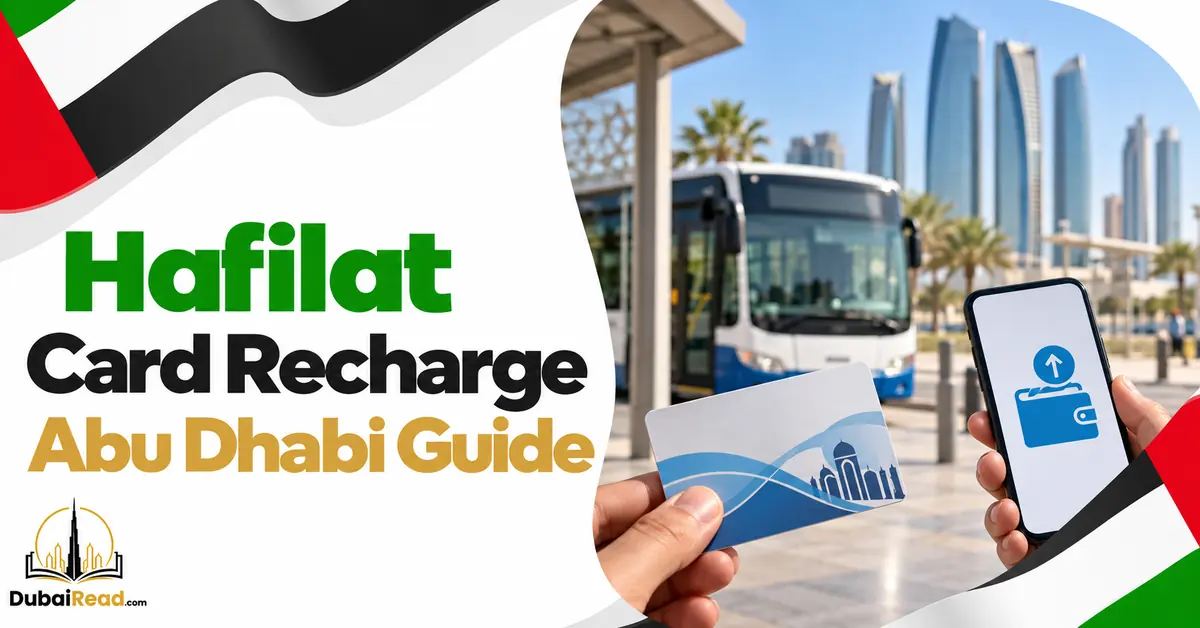
Recharge your Hafilat bus card through the official Hafilat website, a sales/recharge machine or a Customer Happiness Centre. Abu Dhabi Mobility lists immediate updates at its own machines and centres, but about two hours for website and MBME recharges. Confirm the balance is usable before boarding.
Choose your recharge channel
| Channel | Published update time | Where/use |
|---|---|---|
| Sales/recharge machine (TVM) | Immediate | Bus stations and stops |
| Recharge machine | Immediate | Stations, stops and shopping centres |
| Customer Happiness Centre | Immediate | Bus-station card assistance |
| MBME machine | After about two hours | Participating commercial buildings |
| Official website | After about two hours | Planned online payment |
These timings come from Abu Dhabi Mobility’s Hafilat guide. A paid receipt is not by itself proof the amount has been written to the physical card.
Recharge Hafilat online
- Follow the authority’s link to hafilat.darb.ae.
- Choose recharge and enter the card’s printed serial number.
- Match every digit before paying, particularly for another person’s card.
- Select an amount allowed by the service and complete payment.
- Save the receipt and reference.
- Allow the update period, then read/activate the card at a sales/recharge machine.
Open the official address directly. Avoid advertisements imitating government payment forms, and do not share a bank OTP in a separate support message.
Recharge in person
Place the card on the machine’s reader and follow the screen. Keep it there until completion, then check the new balance. Cash denominations and card-payment options depend on the machine.
For an imminent bus trip, a machine or centre that writes credit immediately is more useful than a delayed website payment. A third-party kiosk can accept money on the spot yet still use a delayed update process.
Balance cap and activation period
Abu Dhabi Mobility lists a maximum credited balance of AED 150 and a three-month period from recharge. It instructs users to activate balance before expiry by travelling or tapping sales/recharge machines. Do not confuse this with the physical card’s lifetime.
Check amounts offered by the current payment screen. The sources reviewed do not establish a universal AED 10 minimum for every channel.
If a top-up is missing
| Problem | Next step |
|---|---|
| Receipt but unchanged balance | Check channel delay and read/activate at an official machine. |
| Wrong serial number on receipt | Contact official support with the payment reference. |
| Bank charged but service failed | Check status before paying again; retain both records. |
| Card unreadable | Have its condition checked at a centre before further top-ups. |
Related guides: Hafilat balance check, Abu Dhabi to Al Ain bus X90 and Abu Dhabi Airport bus A2.
Frequently asked questions
Can I use cash?
Use a machine with cash acceptance shown, and confirm the new card balance before leaving.
Is my Darb toll wallet also Hafilat?
No. Ensure the selected payment is for the transit card, not road tolls.
How do I confirm the recharge?
Read the card at an official sales/recharge machine. Do not rely on copied mobile dial codes.