Salik Recharge Online – Fastest Ways (2026)
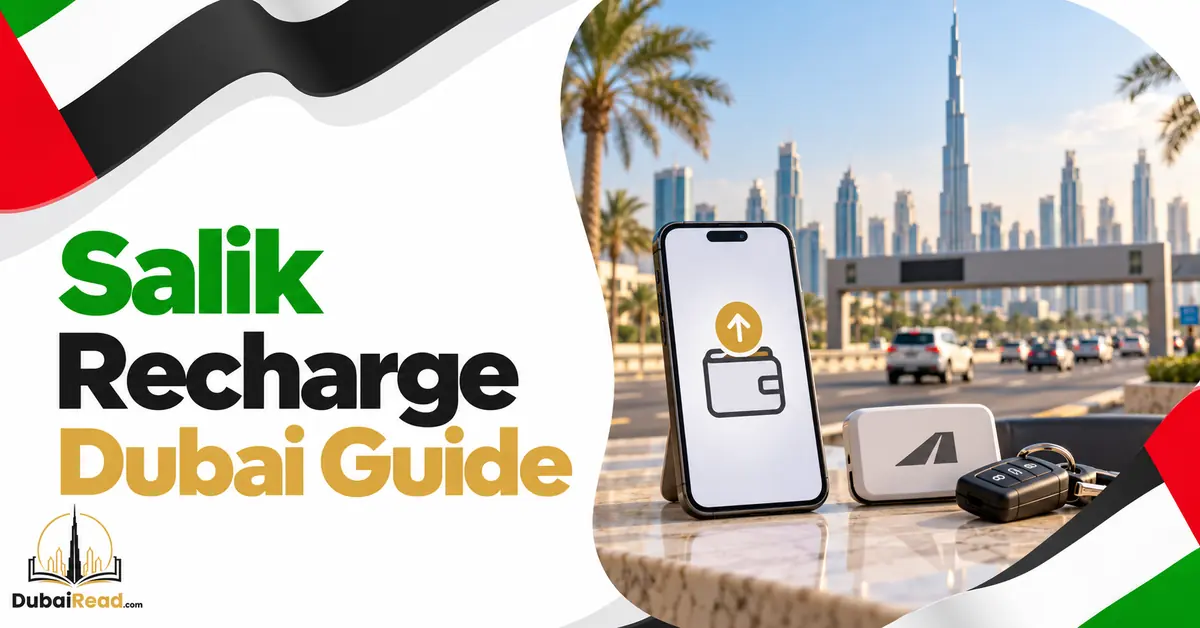
Recharge Salik through the official Salik app or website, a supported bank service, a recharge voucher or an approved recharge machine. Confirm the correct account and successful posting before relying on the new balance. Buying or activating a tag is a separate step from adding money.
Choose a recharge channel
| Method | Prepare | Check after paying |
|---|---|---|
| Salik app | Account access and payment method | Balance and transaction receipt |
| Official website/guest service | Requested account or registered-mobile/plate information | Correct vehicle/account and payment status |
| Supported bank app | Correct Salik beneficiary details | Bank posting and Salik balance |
| Recharge voucher | Unused voucher code and account details | Accepted redemption confirmation |
| Approved machine | Requested identifier and accepted payment | Receipt and credited account |
RTA’s official Salik app page confirms account recharge, balance enquiry and trip records. Salik’s published corporate material also identifies vouchers, bank automatic top-ups and recharge machines as channels.
Recharge in the app
- Install/open the official Salik app using RTA’s verified store links.
- Sign in and confirm the account and vehicles.
- Choose recharge and an amount permitted by that channel.
- Review the amount and account before authorising payment.
- Save the receipt and inspect the updated account balance.
If the service is paying for another account, check the identifier again. A successful card charge to the wrong beneficiary does not fund your own journeys.
Website recharge without a full login
Use the official Salik website’s available recharge flow. RTA confirms services using the registered mobile and plate; its virtual-assistant announcement describes credit-card/voucher recharge using these details. Do not assume the plate number alone bypasses verification.
Enter the full plate source/category/code requested and use the owner’s registered contact information. Open the address yourself rather than following an unsolicited payment link.
Bank recharge and automatic top-up
Use your bank’s supported Salik service and review its amount, fee, posting time and automatic-payment terms. Not every bank or account supports every feature. Set a threshold with enough margin for the routes you drive, then confirm the first automatic payment has actually worked.
A saved beneficiary is not necessarily an enabled automatic top-up. Keep the linked bank card/payment method current.
Vouchers, SMS and cash machines
Redeem a valid voucher through an official channel or follow the instructions printed on the voucher. Do not substitute a copied balance-check SMS for the recharge instruction, and do not share voucher codes or account PINs with a third party.
For cash, use an approved machine displaying Salik recharge and its accepted notes/payment options. Keep the receipt until credit appears. This guide does not guarantee every petrol station or mall kiosk offers recharge.
Amounts, posting and grace period
Use the current minimum and maximum shown by your selected payment channel. Voucher denominations, online transaction limits and an account-balance cap are different things; the reviewed primary material does not establish one universal AED 50,000 online limit.
If the bank was charged but balance is unchanged, check the transaction before paying again. Salik’s terms allow five working days to clear an insufficient-funds crossing, but waiting until the final day risks a posting delay.
Budget for current tolls
Salik’s May 2026 disclosure introduced 5% VAT on tolls and tag activation from 1 June 2026. A base AED 6 peak crossing therefore costs AED 6.30, and AED 4 off-peak becomes AED 4.20.
The operator’s variable-tariff schedule uses normal Monday–Saturday peaks of 6–10 AM and 4–8 PM, with a free 1–6 AM period. Sunday, holiday/event and Ramadan rules need their own check. Parking or other Salik-linked payments can also reduce the wallet.
Frequently asked questions
Does recharge register a new vehicle?
No. Confirm the vehicle’s tag/account activation separately.
Is every top-up instant?
Check your channel’s posting confirmation rather than relying only on the bank debit.
Can I reverse a wrong-account recharge myself?
Contact Salik with the receipt promptly; do not assume balances are freely transferable or refundable.