How to Update Emirates ID in Etisalat (2026): App, Portal & Kiosk
To update your Emirates ID in Etisalat, use e&’s Mobile Registration Renewal service in the app or My Account. Online verification supports verified UAE PASS or document and facial verification. Outlets and supported payment machines are additional routes, with certain customer categories directed to those channels only.
Renew promptly after receiving your valid new Emirates ID. e& warns that an unrenewed registration may lead to suspension and disconnection of linked services. This is a registration update; transferring ownership of a number is a separate task.
Check the right document and account
Have your valid Emirates ID, access to your e& account and the number you want to renew. Confirm you are updating the account holder’s record. If another person uses a line registered to you, the account holder can still renew through their own authenticated account.
TDRA’s current FAQ distinguishes first-time SIM registration from updating subscriber data and recommends updating information when changes occur, such as ID renewal or a change in legal status. For a new SIM purchase, use the SIM activation guide.
Renew with UAE PASS
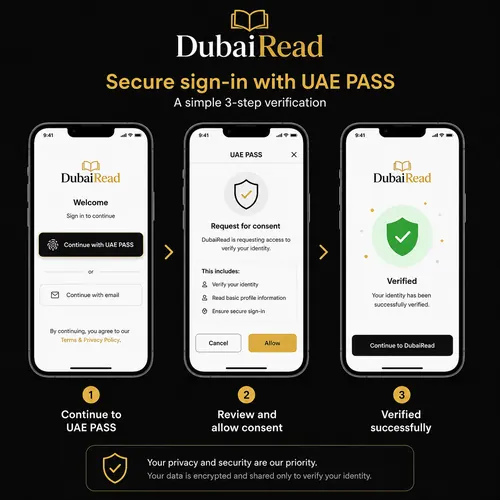
- Sign in to e& My Account using verified UAE PASS.
- Open Quick Access → Mobile Registration Renewal.
- Select the account to renew.
- Approve the requested document sharing in the UAE PASS app.
- Review your contact details, accept the terms and submit.
Those steps are published on e&’s registration renewal page. Open the app or official website yourself rather than handing an OTP or identity document to someone who contacts you about a renewal.
Renew without UAE PASS using facial verification
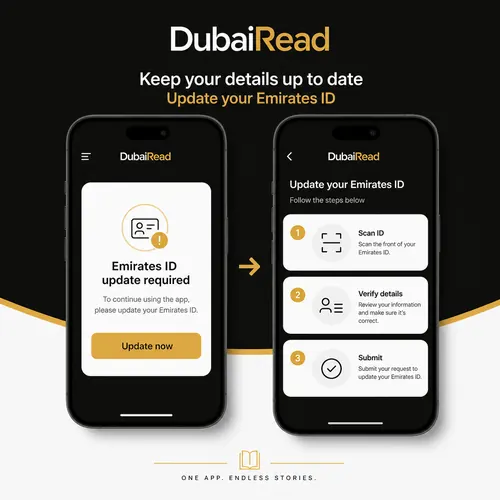
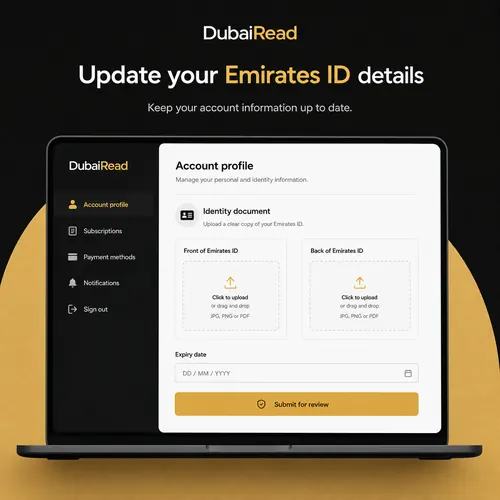
The published alternative starts with an OTP login, then Mobile Registration Renewal and account selection. Upload or scan the front and back of the document, allow camera access, complete the facial check and review the contact details before submitting. Use this option only when the supported flow offers it for your account.
For a failed scan, follow the screen’s document and lighting instructions. If identity details do not match, contact e& or use a supported in-person channel instead of repeatedly submitting conflicting information.
Outlets and supported payment machines
| Route | When to use it |
|---|---|
| App or website | Eligible customers using a supported digital verification method. |
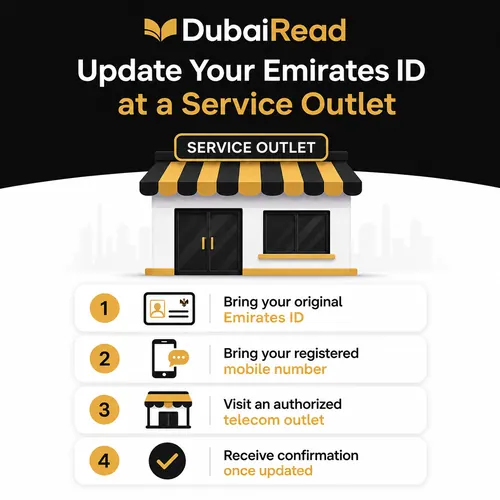
| Outlet | Assistance, identity mismatch or a case requiring in-person verification. |
| Supported payment machine | Where Mobile Registration Renewal is offered; follow the machine’s document prompts. |
e& specifically directs people of determination and government/business entities to outlets and payment machines only. Do not assume every kiosk offers registration renewal. Have the original valid document and check the supported service before making the trip.
Renewing several numbers
e& says the account holder can use the app from any mobile device to complete registration for accounts under the primary account Party ID. Review the lines listed and verify the renewal result for each intended account.
Do not assume renewing one visible number has automatically updated every family or business line. Equally, the public guidance does not establish the old claim that simply leaving a line unselected immediately deactivates it. If a number is missing, ask e& to check its ownership and account linkage.
Timing and confirmation
e& says a UAE PASS renewal request is generally approved within two hours after the digital process. That is an expected timeframe, not a guarantee for every verification route or problem case. Keep the reference or acknowledgement and check the account status after submission.
A completed form is not the same as approved renewal. If the request is pending, rejected or the old expiry remains, contact e& with the reference and ask what needs correcting. Do not use an invented 48-hour deadline as a reason to ignore a suspension notice.
If the number is already suspended
Submit valid registration information through the available supported channel and ask e& about restoring service. If digital verification cannot be completed, visit an outlet with your original valid document. Keep track of the registration and service-restoration requests separately; a registration error, an account restriction and an unpaid bill can require different action.
Frequently asked questions
Is UAE PASS mandatory online?
No. The public renewal page also provides document and facial verification.
Can I update from another phone?
The account holder can use another device to access their own account and renew linked registrations.
Is a fee listed for renewal?
The public renewal page does not quote a renewal charge. Review any charge shown by the selected channel before proceeding.
Can I change ownership by renewing the ID?
Do not treat registration renewal as an ownership transfer. Ask e& for the separate transfer process.
Official e& and TDRA guidance checked on 13 October 2026.