How to Check Etisalat Balance in UAE (2026): Codes & App
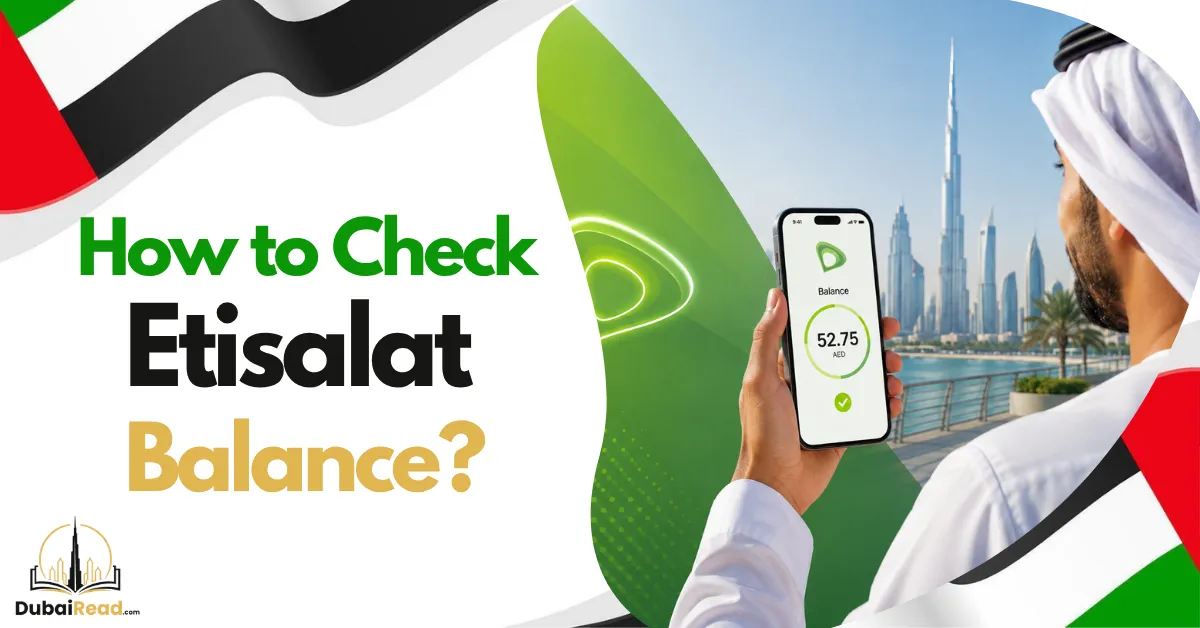
To check Etisalat prepaid credit, dial *121# from your e& line. For ordinary prepaid data usage, e& publishes *170*1# and the e& UAE app. For a postpaid bill or allowances, use the app or the *101# account menu. Credit, remaining data and the amount you owe are different figures, so choose the enquiry that answers your question.
Balance enquiries at a glance
| What you need | Published route |
|---|---|
| Prepaid main credit | *121# or your e& account |
| Prepaid data usage | *170*1#, the app or DATA to 1010 |
| Prepaid account and allowances | *101# and the relevant enquiry option |
| Postpaid current amount and bill information | *101# or the app/account bill |
| Named roaming pack usage | The pack’s app record or published *177# roaming menu |
The prepaid code page confirms *121#, while the *101# service page lists separate prepaid and postpaid enquiry features. A code returning a menu rather than a single figure does not mean it failed.
Check prepaid credit without mobile data
- Open the phone dialler and select the intended e& SIM on a dual-SIM device.
- Dial *121# and press call.
- Read the returned credit information.
- If you need another allowance or account detail, use *101# and follow the current enquiry menu.
USSD uses mobile-network service rather than a mobile-data connection. It can be useful when no data pack remains, but a suspended line or a phone without network service may not return a result. Do not assume every enquiry shows bonus credit, a data allowance or the same validity date.
Check data, minutes and package expiry
e&’s prepaid data guidance lists the app, *170*1# and DATA to 1010 for checking data usage. The SMS enquiry costs AED 0.30 before 5% VAT according to that page; it is not a universally free method. For minutes or a special bundle, use its specific balance enquiry or account record.
Read the package name, remaining allowance and expiry together. A daily allocation can reset before the overall package ends. Promotional data, social data and general local data may be separate balances. The data total recorded by your phone can use a different billing period, so it is a useful usage estimate rather than the operator’s billing record.
Understand a postpaid balance
The *101# postpaid menu includes current amount, bill and payment information, allowances and add-on enquiries. In your account, distinguish the issued bill from current usage and confirm whether a payment has been recorded. A remaining allowance tells you what the plan still includes; it is not money you can withdraw or transfer.
If you manage several services, select the correct number and billing period. A home-internet bill and a mobile line may appear under the same account, but need separate payment and usage checks.
Use the app or online account
Sign in to your own e& account through the official app or website, select the relevant service and review its credit, allowance or bill record. Wi-Fi is useful if your mobile data is exhausted. Account access still depends on authentication, and any OTP or document verification must remain under your control.
For your own mobile number, use the Know My Number guide. If the account displays an unfamiliar service, ask e& to explain its registration instead of assuming the balance belongs to the SIM in your phone.
Check balance while abroad
Use the app over trusted Wi-Fi to review your account without using mobile roaming data. If you have the named Roaming Daily Data Plan, its official page publishes *177# for management and usage and describes that menu as free in the UAE and abroad. SMS roaming enquiries follow the applicable messaging rates.
A local package balance is not automatically a roaming allowance. Check the active roaming product, country and partner-network conditions before using mobile data. Do not rely on the old article’s unsupported blanket claim that roaming USSD interactions are billed.
After recharge: credit versus validity
Keep the recharge receipt and confirmation, then check what was added to main credit and what was allocated as a promotion. A package expiry, bonus-credit expiry and the line’s registration status are different deadlines. We did not verify the old recharge-value ladder claiming AED 5–30 lasts 7–30 days and large top-ups last a year.
If a recharge is missing, compare the intended number, successful payment record and resulting balance. A Reserve Credit recovery or another charge may explain why the full top-up is not available as main credit. Avoid paying twice before checking the first transaction.
Troubleshoot an error or unexplained deduction
Confirm the right SIM is enabled and connected to the network. Retry the relevant menu or use the authenticated account. An invalid MMI message does not by itself prove your package is unsupported or your ID expired.
If the account still differs from your records, keep the time, amount, package and recharge reference and contact e& through its official app/online support or 101. Those channels support balance and bill enquiries. Do not share an OTP with someone who contacts you unexpectedly about the problem.
Use the balance information to manage spending
Review usage before a renewal and set a personal reminder near expiry. Compare the packages eligible on your line if you often pay outside an allowance. To receive ordinary credit from another e& line, see the credit transfer guide. For a second SIM on du, use the du balance guide.
Frequently asked questions
What is the main Etisalat balance code?
*121# is the operator’s published prepaid credit enquiry code.
How do I check postpaid without internet?
Use *101# and its postpaid billing or allowance enquiry menu while the line has network service.
Is every balance method free?
No. The prepaid DATA SMS enquiry has a published charge, and roaming messaging or connectivity costs need separate checking.
Why is my balance less than my top-up?
Review Reserve Credit recovery, package charges, usage and promotional-credit allocation. Ask e& to explain any deduction you cannot match to the records.
Official public guidance checked on 13 October 2026.